

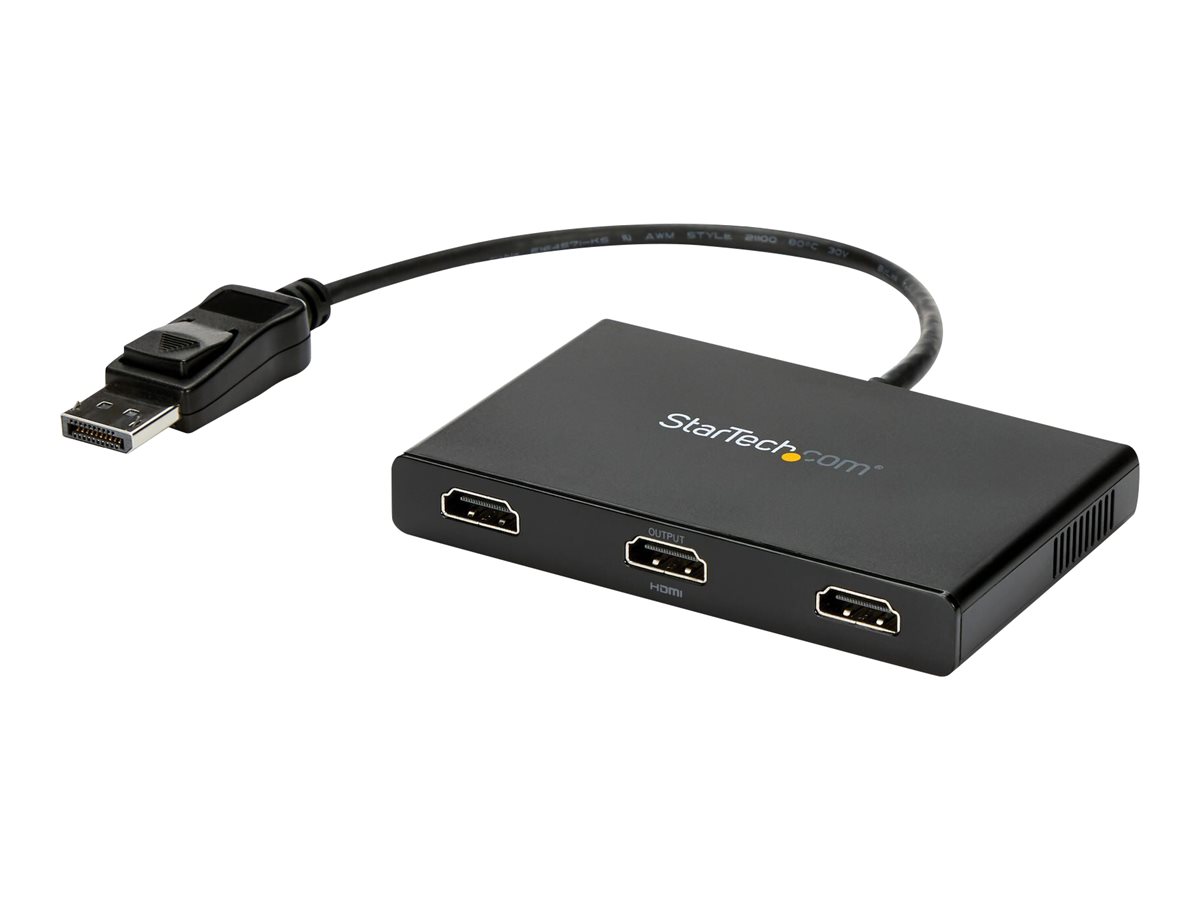
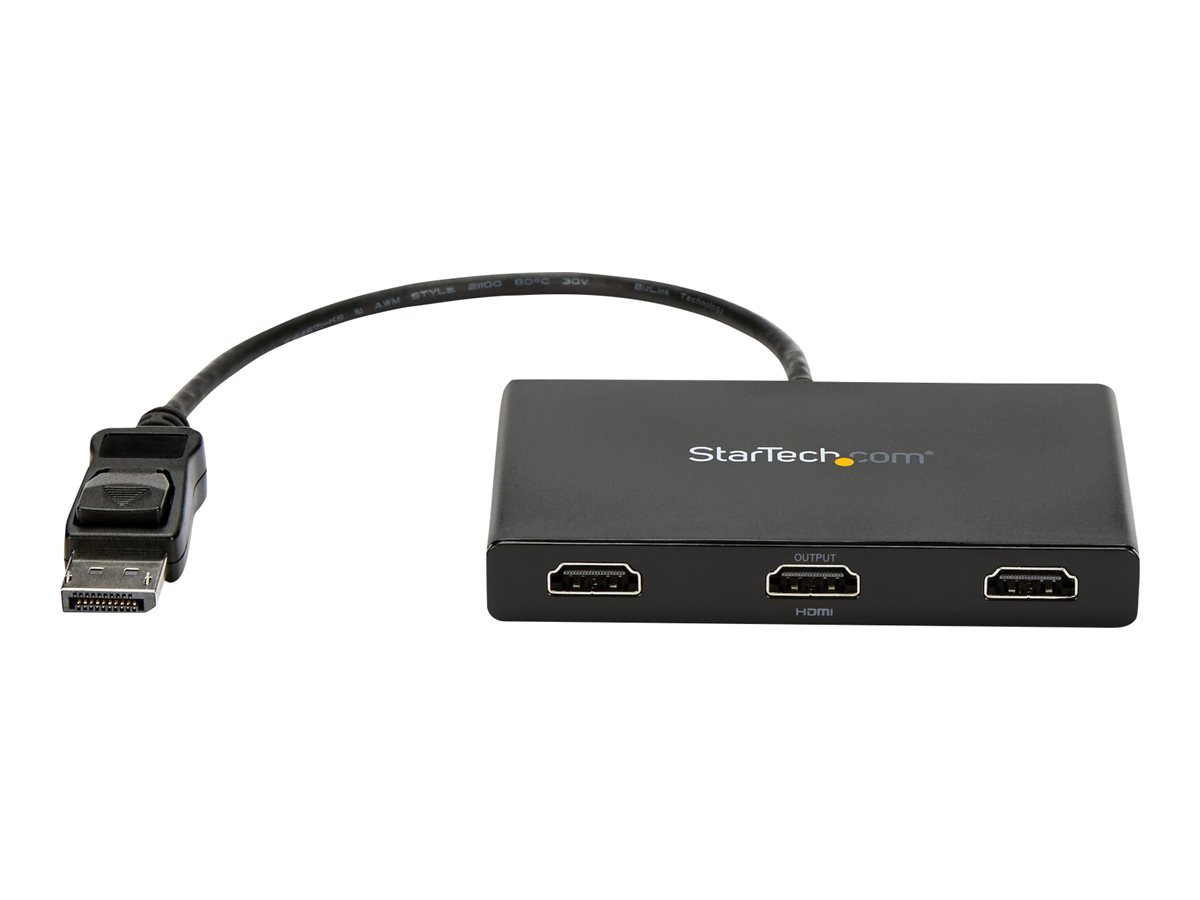
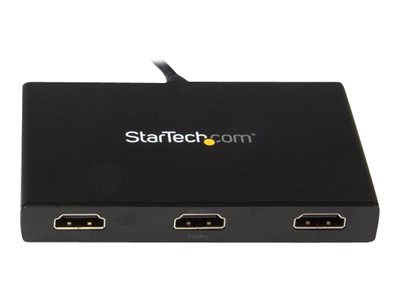
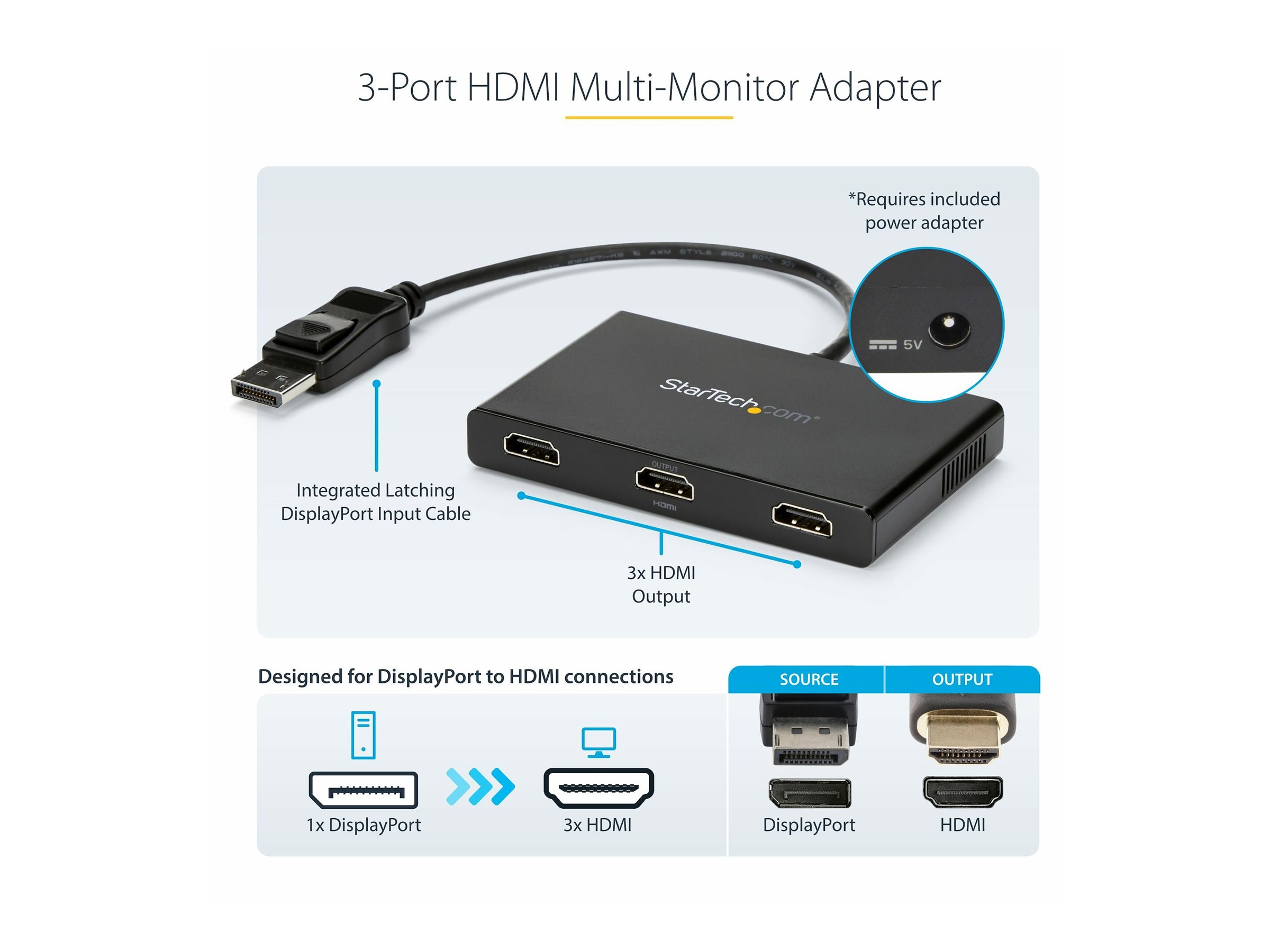
StarTech.com MST Hub DisplayPort to HDMI Multi-Monitor Splitter - 3-Port MST Hub - DP 1.2 to 3x HDMI MST Hub (MSTDP123HD) Video-/audiosplitter HDMI / DisplayPort
StarTech.com 3-Port Multi Monitor Adapter, DisplayPort 1.2 to HDMI MST Hub, Triple 1080p HDMI Monitor, Video Splitter for Extended Desktop Mode on Windows PCs Only, DP to 3x HDMI MST Hub - Multi Stream Transport (MSTDP123HD) - Video-/audiosplitter - 3 x HDMI - desktop - AC 100/240 V
1 212,00 SEK
969,60 SEK excl. VAT
-
Product no 989953792
Model MSTDP123HD
Brand StarTech.com
EAN 0065030861526
Weight 0.5 kg
-
Product information and specifications are guiding only. Without notice, these can be subject to change by the manufacturer. This applies for product images as well.
| Produktbeskrivelse | StarTech.com 3-Port Multi Monitor Adapter, DisplayPort 1.2 to HDMI MST Hub, Triple 1080p HDMI Monitor, Video Splitter for Extended Desktop Mode on Windows PCs Only, DP to 3x HDMI MST Hub - Multi Stream Transport (MSTDP123HD) - video-/audiosplitter - 3 porte |
| Enhedstype | Video-/audiosplitter - 3 porte |
| Undertype | HDMI / DisplayPort |
| Porte | 3 x HDMI |
| Egenskaber | Plastisk husning |
| Effekt | AC 100/240 V |
| Dimensioner (B x D x H) | 6.6 cm x 11.4 cm x 1.4 cm |
| Vægt | 119 g |
| Farve | Sort |
| Systemkrav | Windows 10 (32/64 bits), Microsoft Windows 7 / 8 / 8.1 (32 bits), Microsoft Windows 7 / 8 / 8.1 (64 bits) |
| Producentgaranti | 3 års garanti |
| General | |
|---|---|
| Device Type | Video/audio splitter - 3 ports |
| Enclosure Type | Desktop |
| Features | Plastic housing |
| Max Resolution | 3840 x 2160 @ 30 Hz |
| Ports | 3 x HDMI |
| Subtype | HDMI / DisplayPort |
| Expansion / Connectivity | |
| Interfaces | 3 x HDMI output | 1 x DisplayPort input |
| Power | |
| Power Device | External power adapter |
| Voltage Required | AC 100/240 V |
| Miscellaneous | |
| Color | Black |
| Compliant Standards | FCC, RoHS |
| Software / System Requirements | |
| OS Required | Windows 10 (32/64 bits), Microsoft Windows 7 / 8 / 8.1 (32 bits), Microsoft Windows 7 / 8 / 8.1 (64 bits) |
| Dimensions & Weight | |
| Depth | 11.4 cm |
| Height | 1.4 cm |
| Weight | 119 g |
| Width | 6.6 cm |
| Manufacturer Warranty | |
| Service & Support | Limited warranty - 3 years |
| Environmental Parameters | |
| Humidity Range Operating | 50 - 90% |
| Max Operating Temperature | 45 °C |
| Max Storage Temperature | 70 °C |
| Min Operating Temperature | 0 °C |
| Min Storage Temperature | -20 °C |
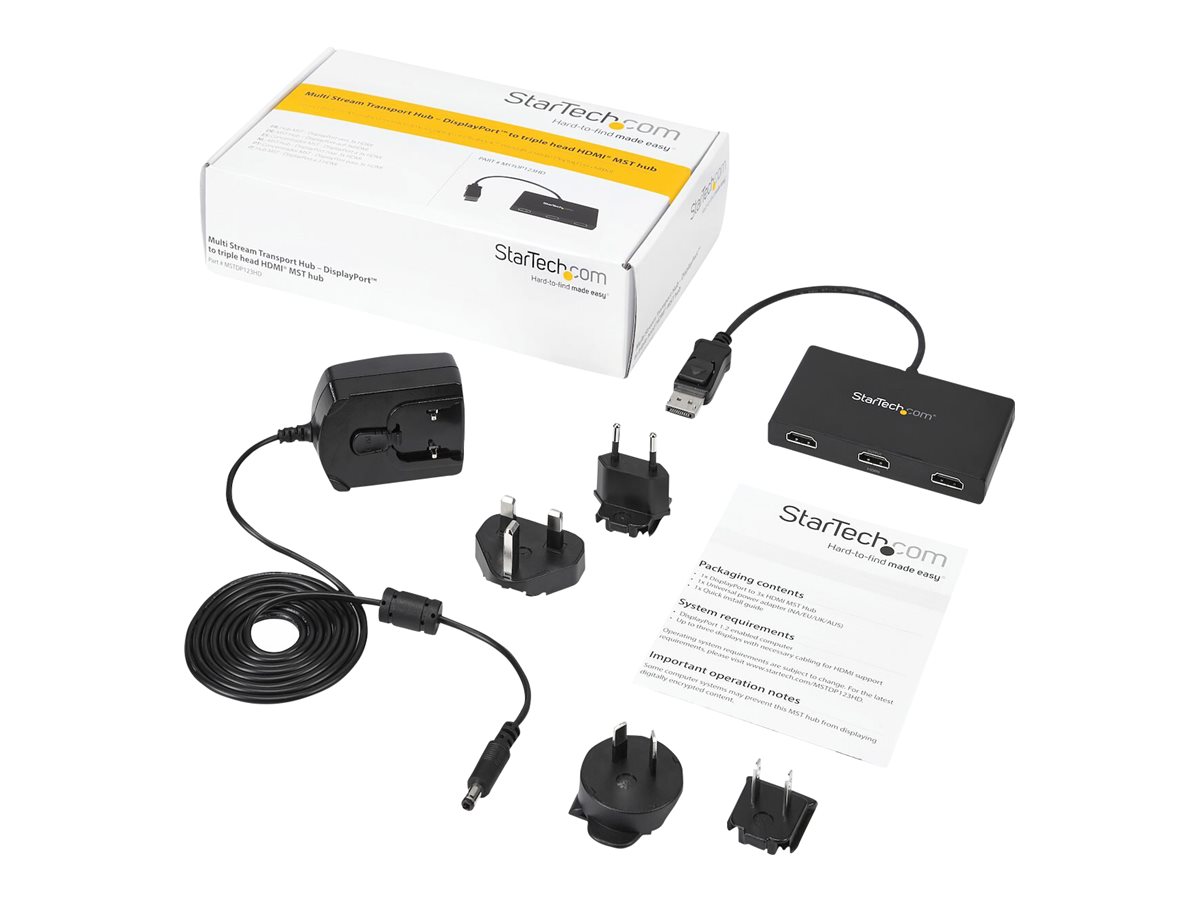
What's in the Box
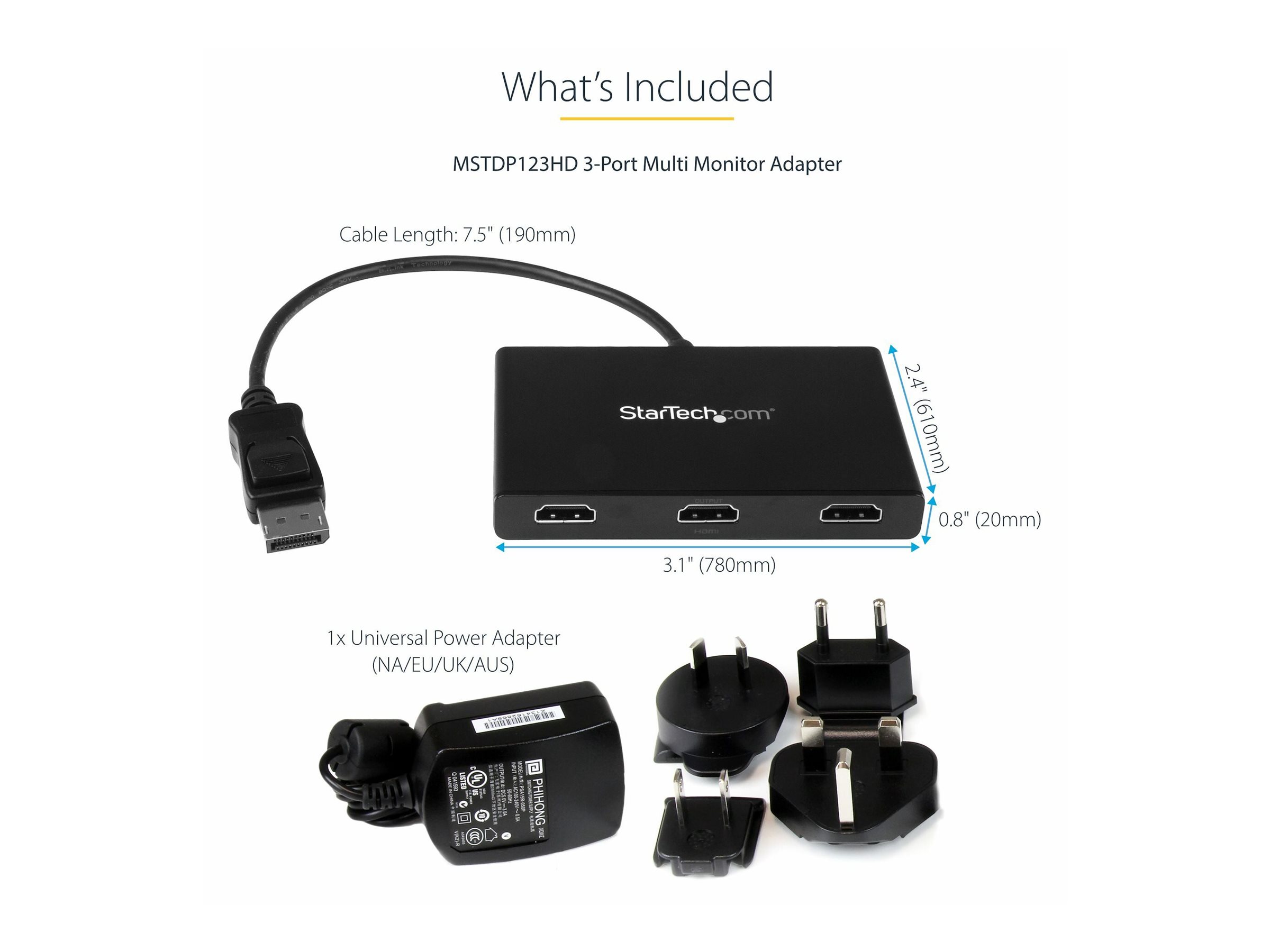
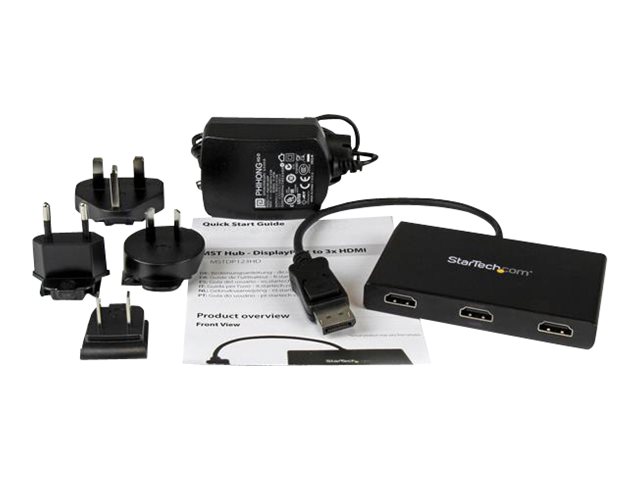
- 1 DisplayPort to 3x HDMI MST Hub
- 1 Universal power adapter (NA/EU/UK/AU)
- 1 Quick install guide
.jpg)
.jpg)
.jpg)
.jpg)
.jpg)
.jpg)
.jpg)
.jpg)
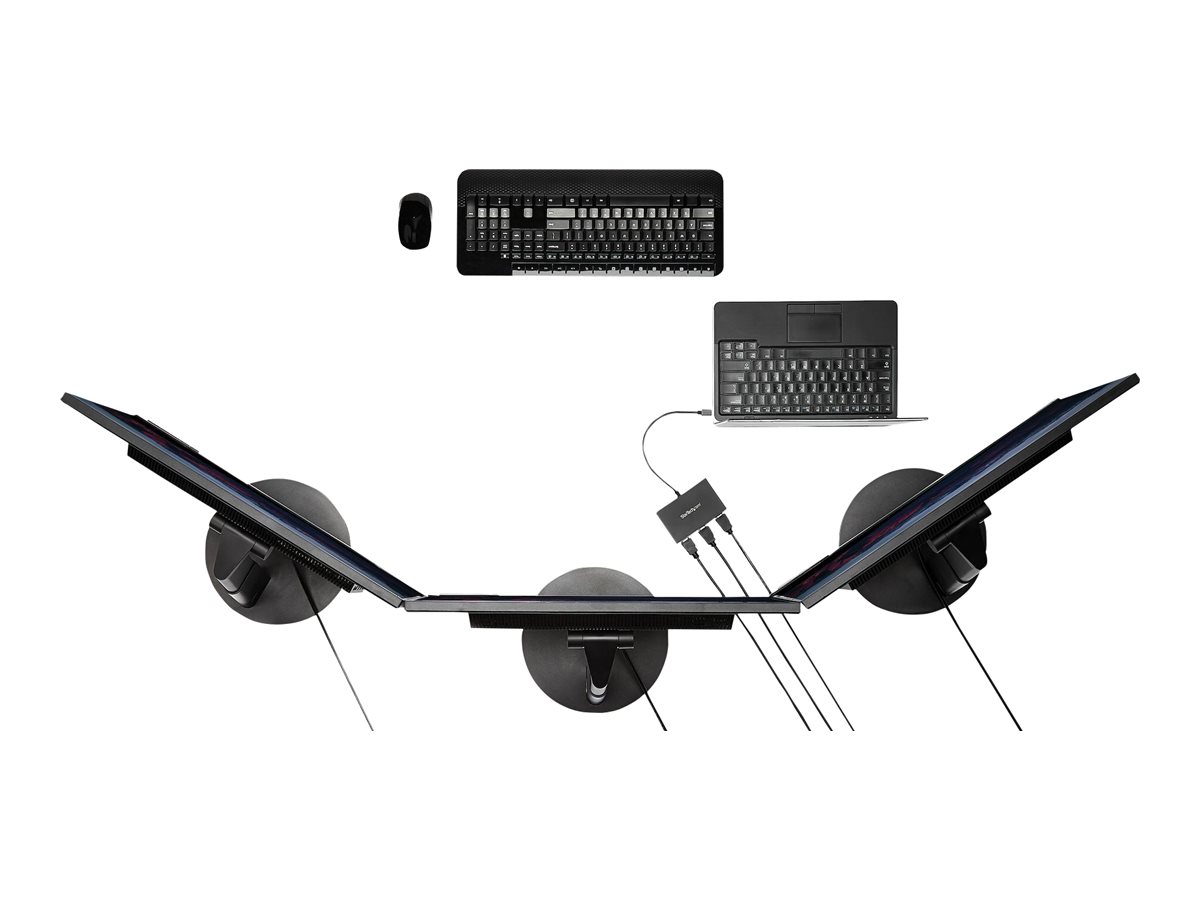
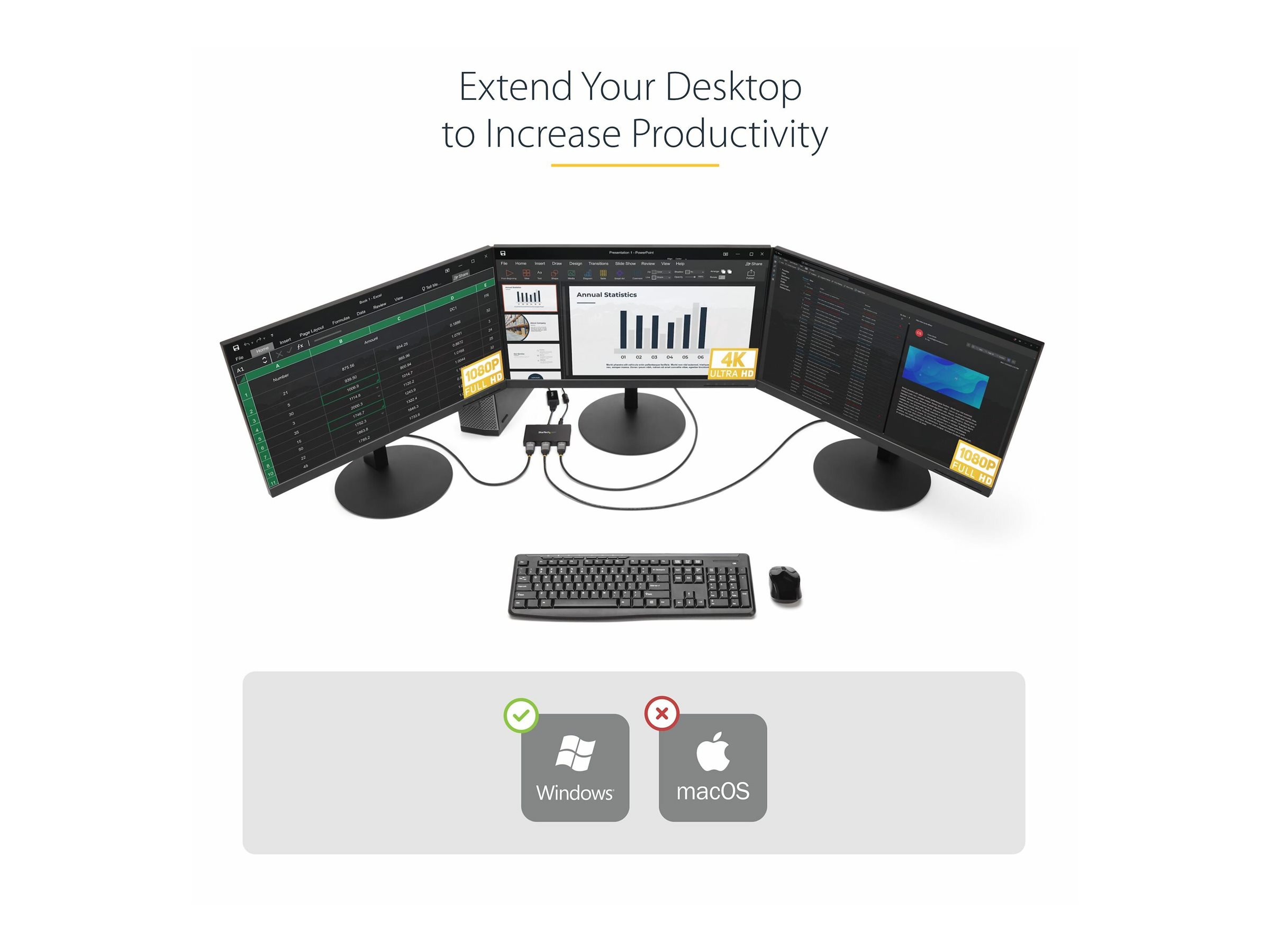
Increase productivity with multiple screens
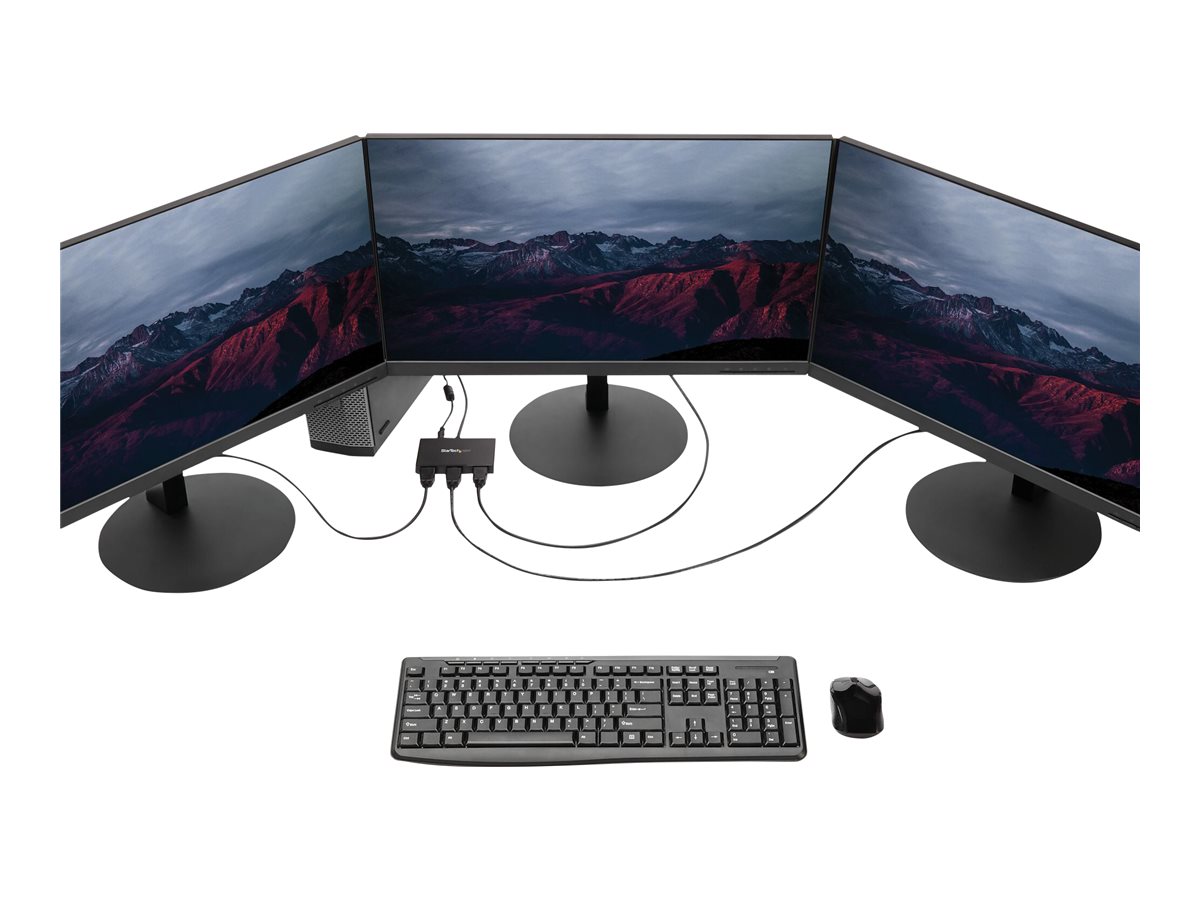
The newest generations of computers are more portable than ever, which often means that you’re left with fewer video outputs and smaller integrated screens.This MST hub solves both of these problems by letting you connect three additional displays to your computer, which makes multitasking much easier.
.jpg)
Configure your displays for any environment
Using the MST hub, you can extend your desktop onto additional monitors and stream independent content to each display.You can also mirror the same image onto multiple HDMI televisions or projectors for remote viewing applications such as digital signage.
.jpg)
Enjoy amazing video quality without draining system resources
MST technology uses your existing video card to minimize the use of system resources while delivering Ultra HD 4K resolutions. This unprecedented performance makes MST perfect for high-resolution applications such as graphic design, gaming and medical imaging.Note: When using a DisplayPort 1.1 video card the MSTDP123HD will act as splitter, automatically mirroring your video source across all displays. Resolution limitations apply.
My monitors are not displaying after waking my computer from sleep. Why is this happening?
Sleep and hibernation may lead to some problems in Windows 7-10. Windows 11 allows the operating system to remember window locations and fixes rearrangement issues. We recommend using sleep less frequently if you're not using Windows 11.
My window locations or display arrangement has changed. How can I fix this?
If you can't upgrade to Windows 11, set the input of each display to HDMI. Avoid using Auto. Use the Scan button on the hub to help re-detect the displays. Afterward, use Display Settings to arrange the displays.
Why can't I get all of my displays working?
Make sure your video card supports MST and the number of displays you need. Check that you are not exceeding the video bandwidth limits of DisplayPort 1.2. Please refer to the table in the Amazon listing.
What does the Scan button do?
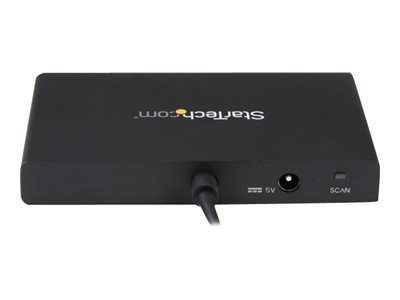
The SCAN button resyncs all of the attached displays, and can be used if any of the displays are not detected.
Can I use a 4K 60Hz display and just use it at a lower resolution?
No. It may still negotiate the full 4K bandwidth and prevent other displays from working.
Specifications
| Physical Characteristics | |
|---|---|
| Color | Black |
| Length | 33 cm |
| Width | 1.5 cm |
| Height | 1.4 cm |